
Digital Miter
Saw Fence
Automated Length Stop
for miter and chop saws.
Enter length → Stop moves there automatically.
What is a Digital Miter Saw Fence used for?
It is used when cut lengths change frequently. Manual repositioning of a mechanical stop becomes slow and inconsistent. Enter the new dimension and continue cutting.

Custom Woodworking & Joinery
Workshops cutting multiple parts to defined dimensions, often with frequent size changes.

Window & Door Manufacturers
Frame components cut to varying lengths throughout the day.

Aluminium & PVC Profile Fabricators
Daily profile cutting where dimensions change between jobs or orders.

Small to Mid-Sized Production
Operations without CNC optimization, where stop adjustment is done manually between cuts.
Key Features
Built for consistent cuts, quick setup, and daily production work.

Easy Installation
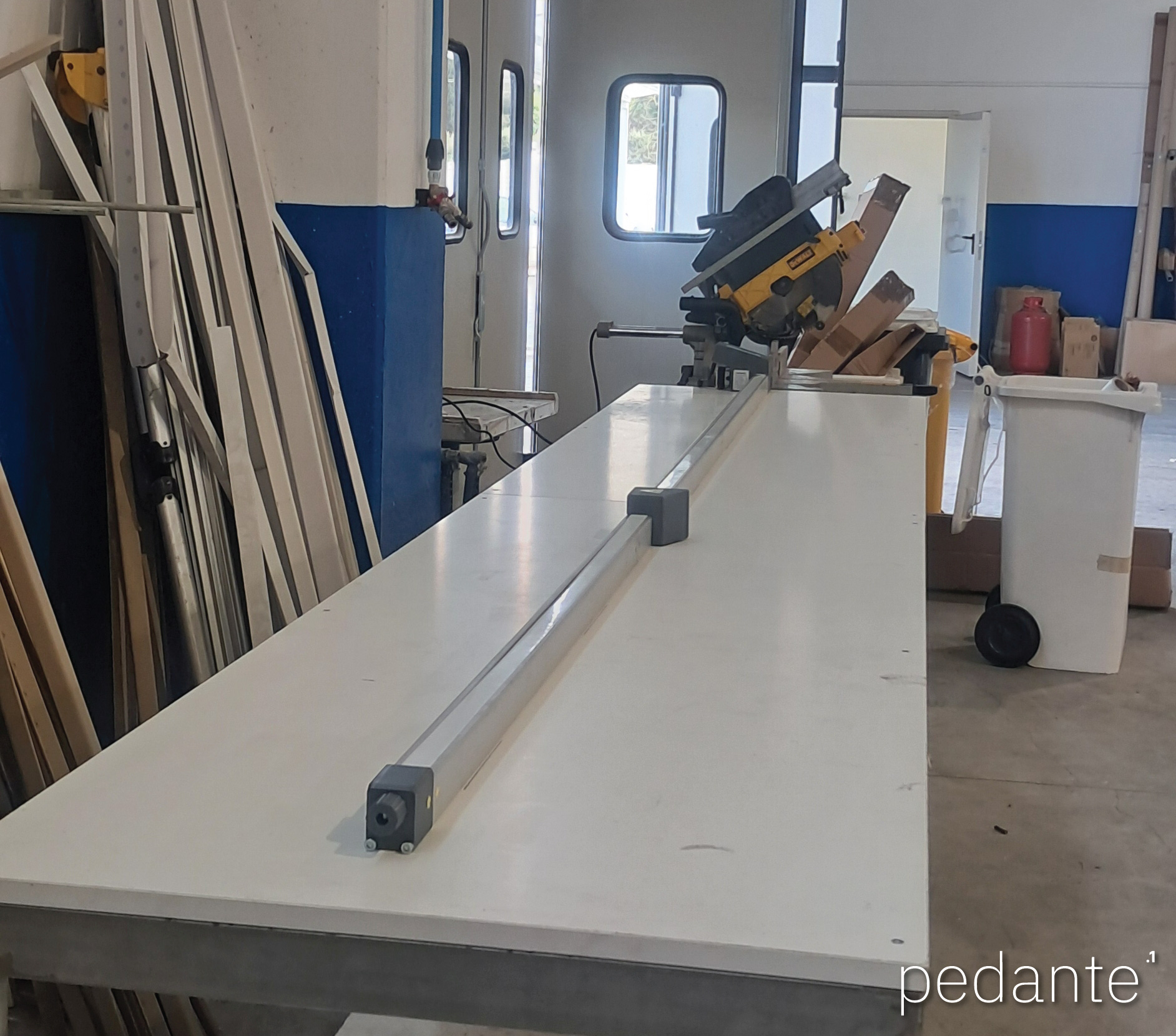
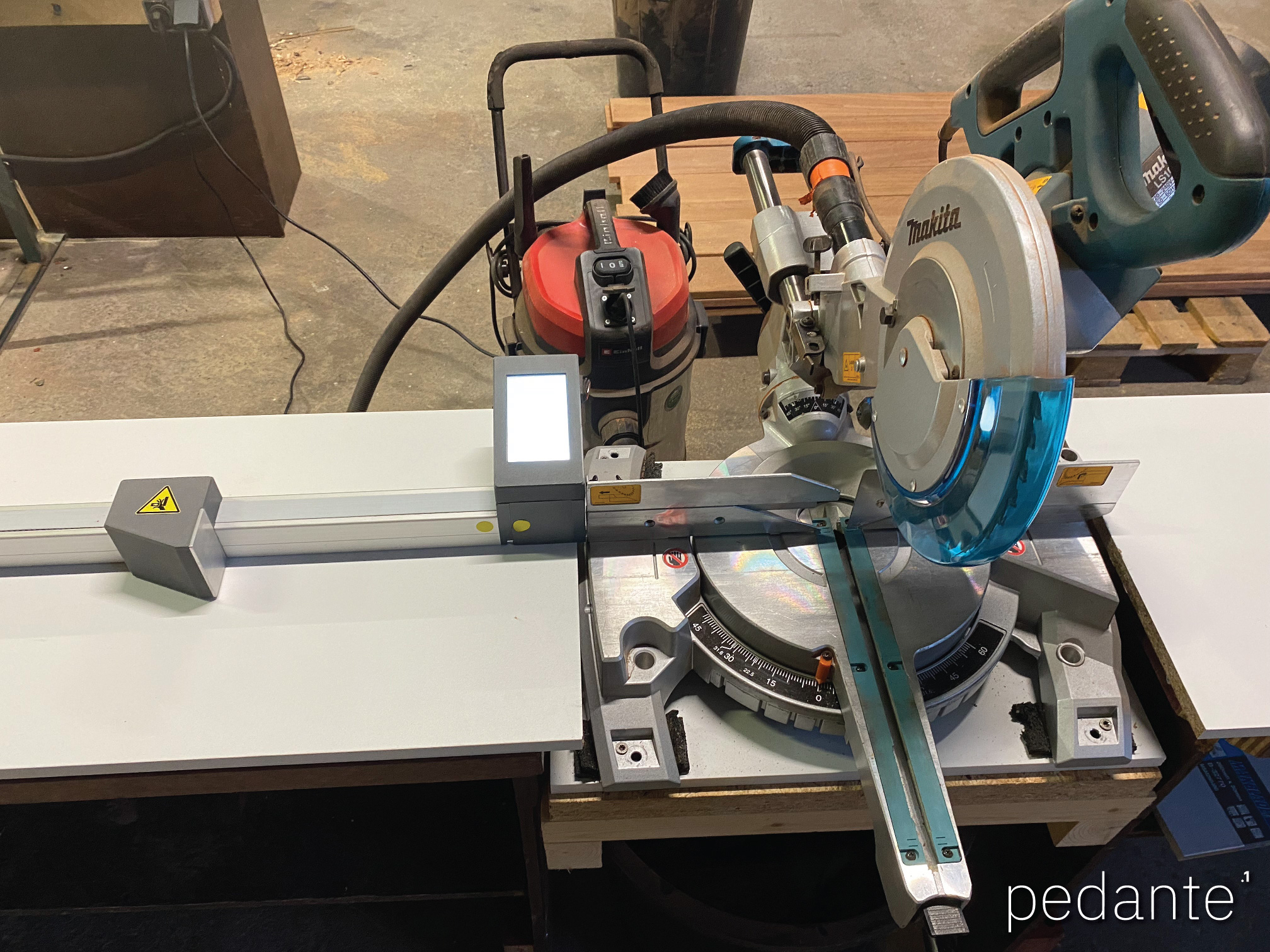
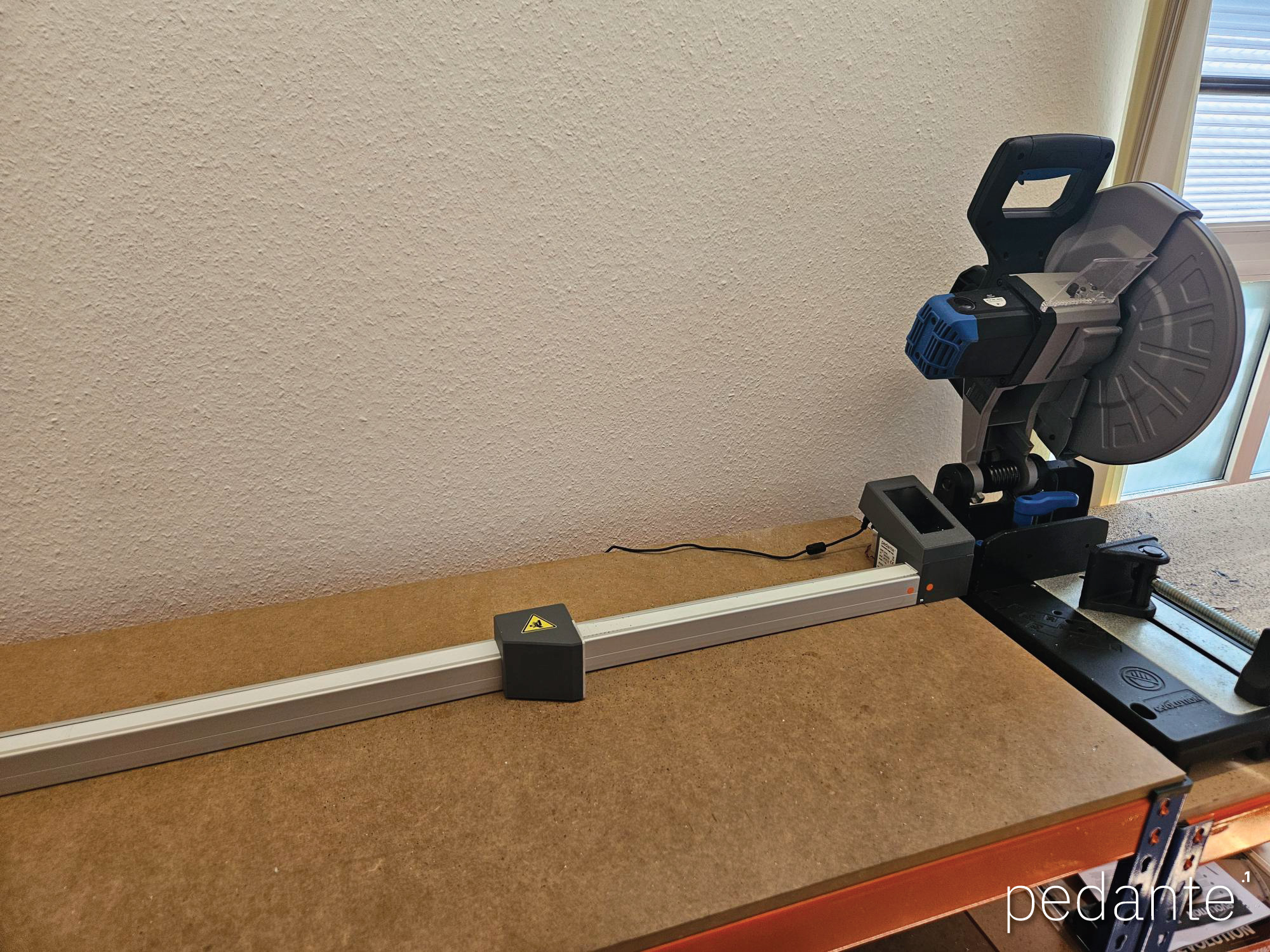
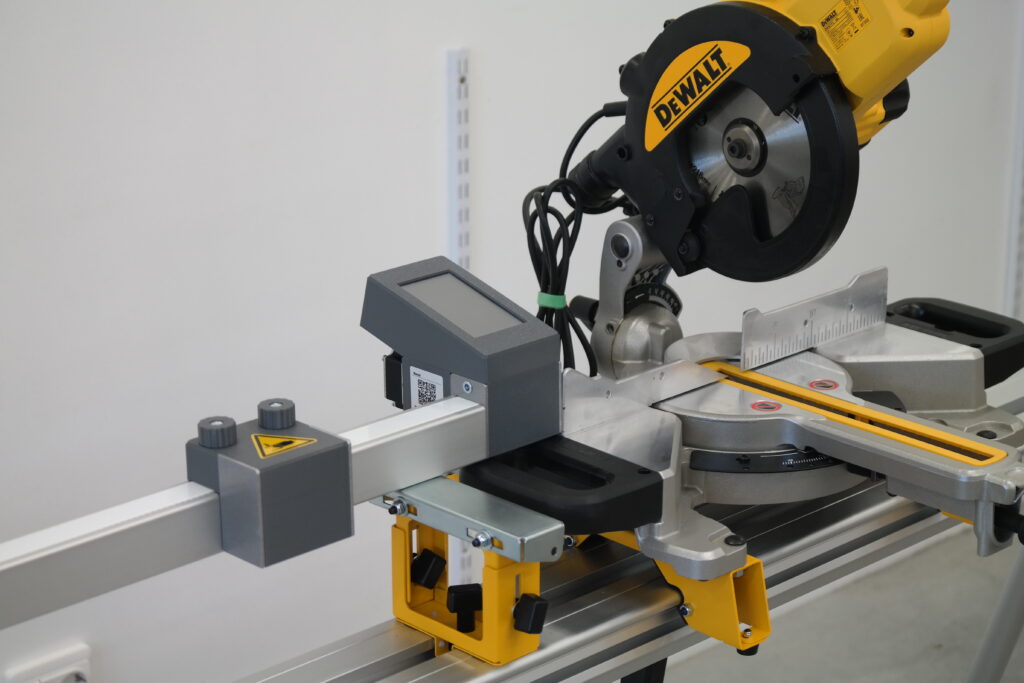
The aluminum profile has a standard groove for hammerhead bolts (included). Drill mounting holes in the saw table, slide the bolts into the groove, then tighten.

Universal Left / Right Mounting
Mounts on either the left or right side of the saw. No separate models. Choose the side during installation and change it later if needed.

Motorised Stop Block
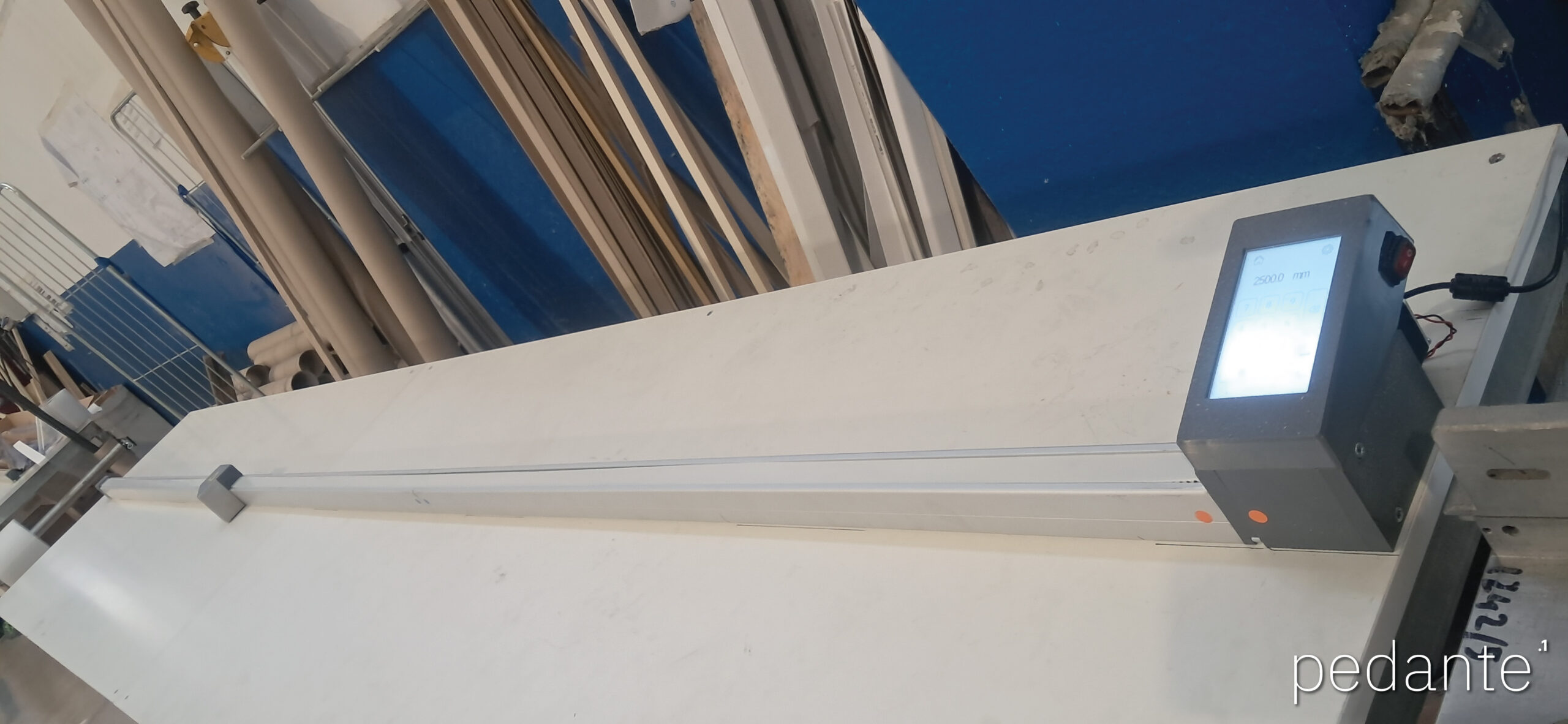
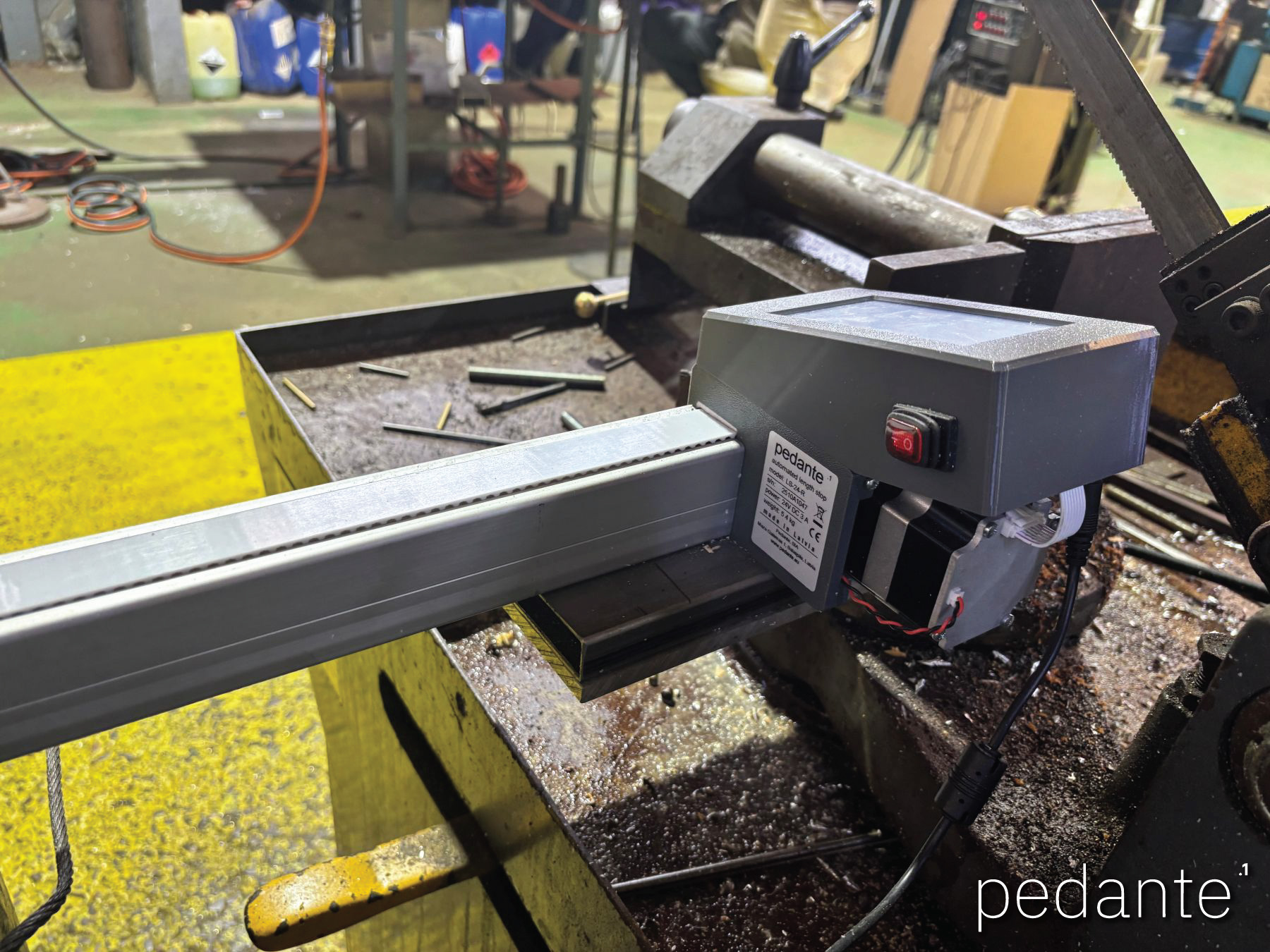
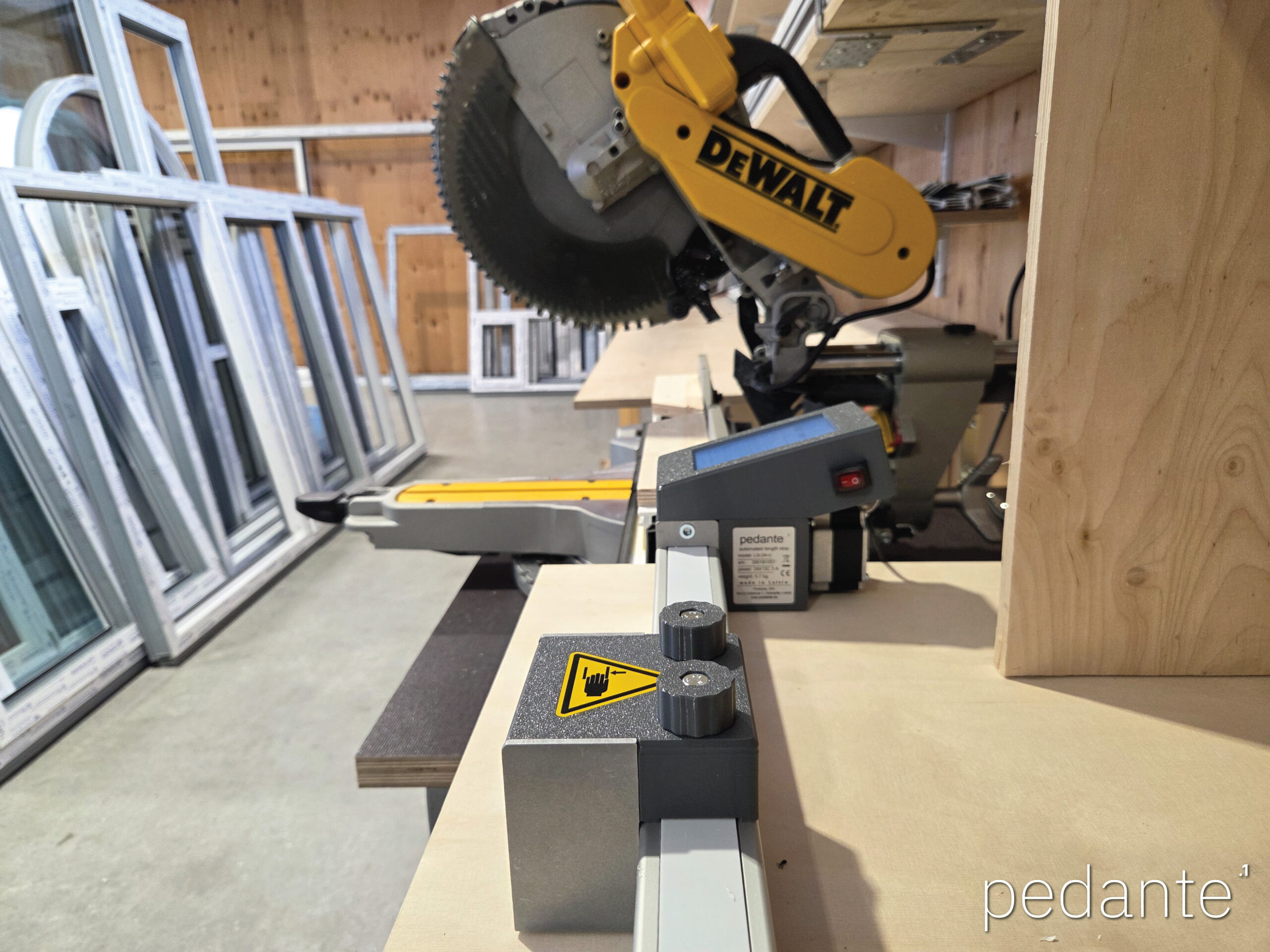
The stop block is driven by a stepper motor via a timing belt. It is not moved by hand. Enter the required length on the touchscreen and the stop moves automatically to that position.

Touchscreen Control
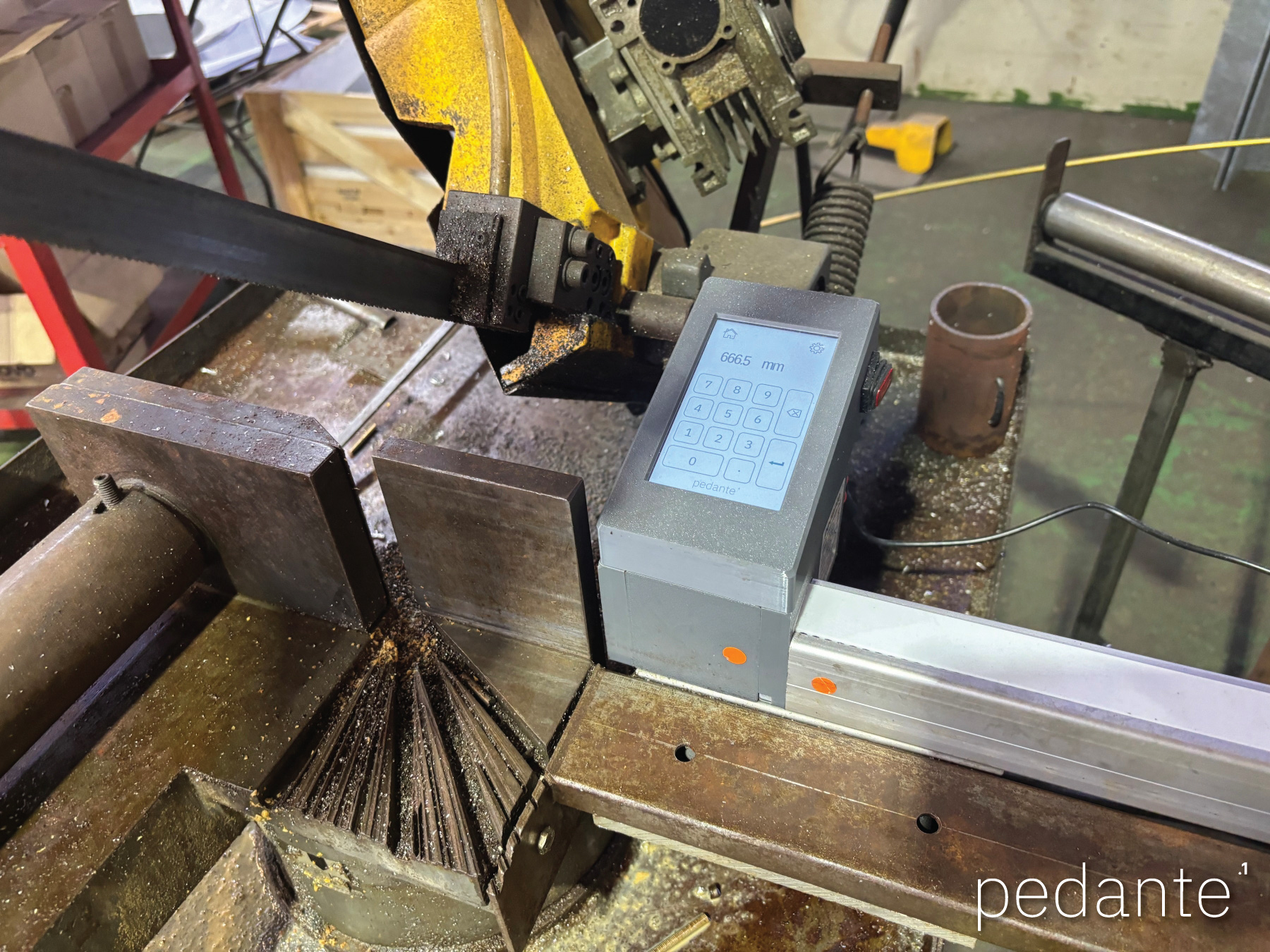
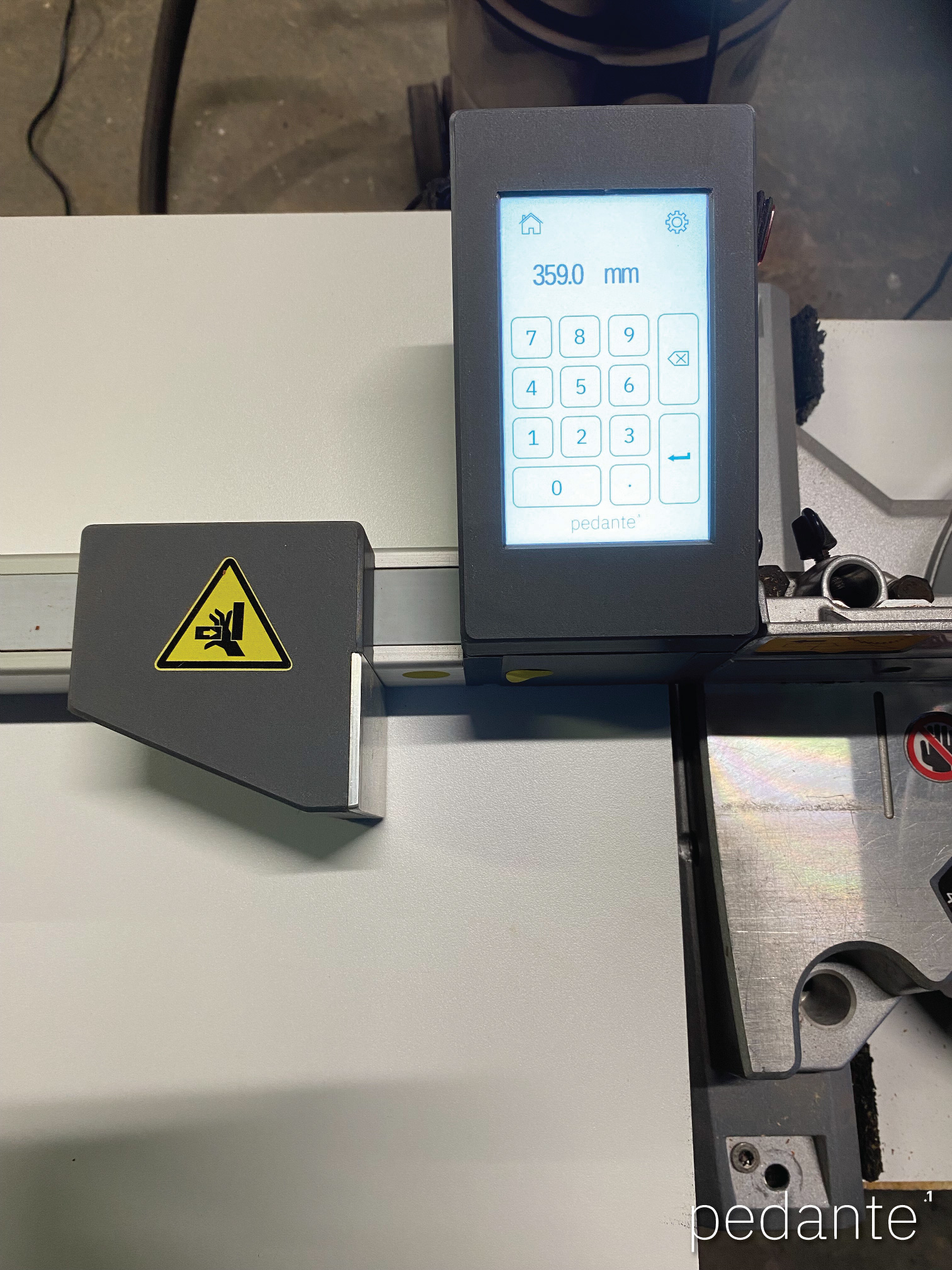
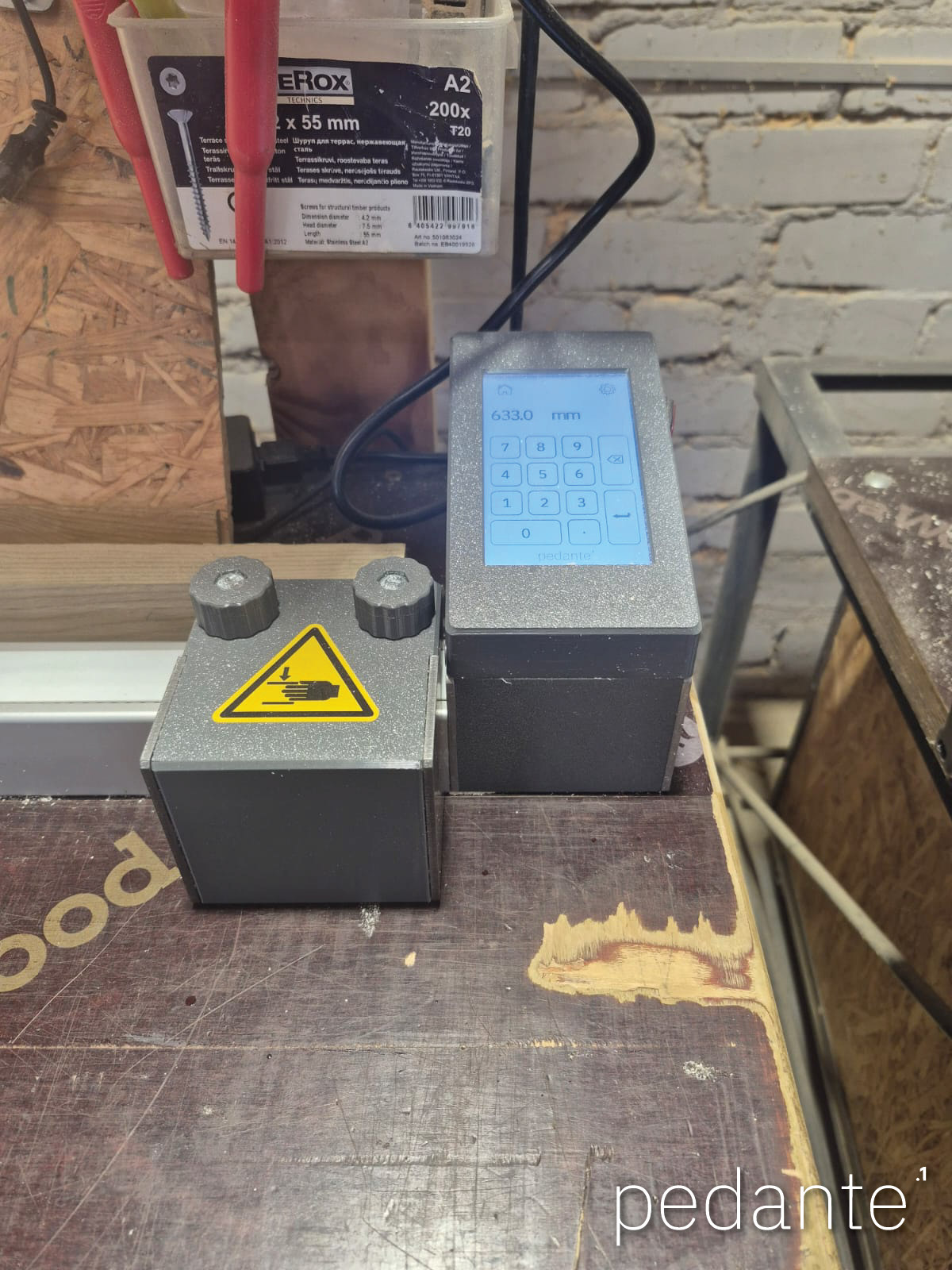
All functions are controlled from the display: enter length, run homing, switch units, calibrate. The screen works with gloves, in dusty conditions, and remains readable in bright light.

Smart Position Guard
After reaching the target, the motor holds position. The system monitors it continuously. If the stop is pushed more than 0.1 mm, it corrects immediately.

Sensor-Less Homing
No mechanical limit switches. During homing, the encoder detects the mechanical end stop.
Additional Features
- Metric and Decimal Inch Support (mm/in)
- New Belt Tension Knob with click feedback
- Belt Calibration via Display
- 24 V Low-Voltage System
- Emergency Stop on display while moving
- Self-Identification on First Run or Reset
Models, Lengths, and Pricing
The Universal Series digital miter saw fence is available in five standard models.
| Model | Working length (mm) | Total length (mm) | Price (ex VAT) |
|---|---|---|---|
| LS-12-U | 1 040 | 1 340 | €1 440 |
| LS-24-U | 2 220 | 2 520 | €1 590 |
| LS-36-U | 3 400 | 3 700 | €1 740 |
| LS-48-U | 4 580 | 4 880 | €1 890 |
| LS-60-U | 5 760 | 6 060 | €2 040 |
Custom working lengths are available on request.
If the standard models do not fit your setup, please contact us.
Shipping
- European Union: shipping included
- United Kingdom, Norway, Switzerland: shipping included + €49 handling
- USA & Canada: €149 flat rate
- Other countries: quoted on request
Import duties, customs charges, and local taxes outside the EU are the responsibility of the buyer.
FAQ
What is this system used for?
It is used to set repeatable cut lengths on a miter or chop saw. Instead of measuring and locking a manual stop every time, you enter a value and the stop moves there automatically. This saves time and reduces measuring errors when cutting multiple identical parts.
The system is especially useful for:
Custom woodworking and joinery workshops, producing furniture, cabinets, doors, and windows where many parts must be cut to identical lengths.
Window and door manufacturers, where frame components are cut in batches and consistent length accuracy is required.
Aluminium and PVC profile fabricators, cutting profiles daily for windows, facades, and technical assemblies.
Small to mid-sized production workshops, where repeatability and speed matter but workflows remain flexible rather than fully automated.
In general, it benefits workshops that cut many parts of the same length every day, where manual measuring slows down production or leads to mistakes.
How do I choose the correct working length?
When selecting the appropriate length for the digital miter saw fence, you should consider dead zone, total system length, and working range.
Dead zone
There is always a minimal distance between the saw blade and the stop block. This depends on the saw model and installation distance. In practice, this distance is usually 400–500 mm. The stop block cannot be used closer than this.
Total system length
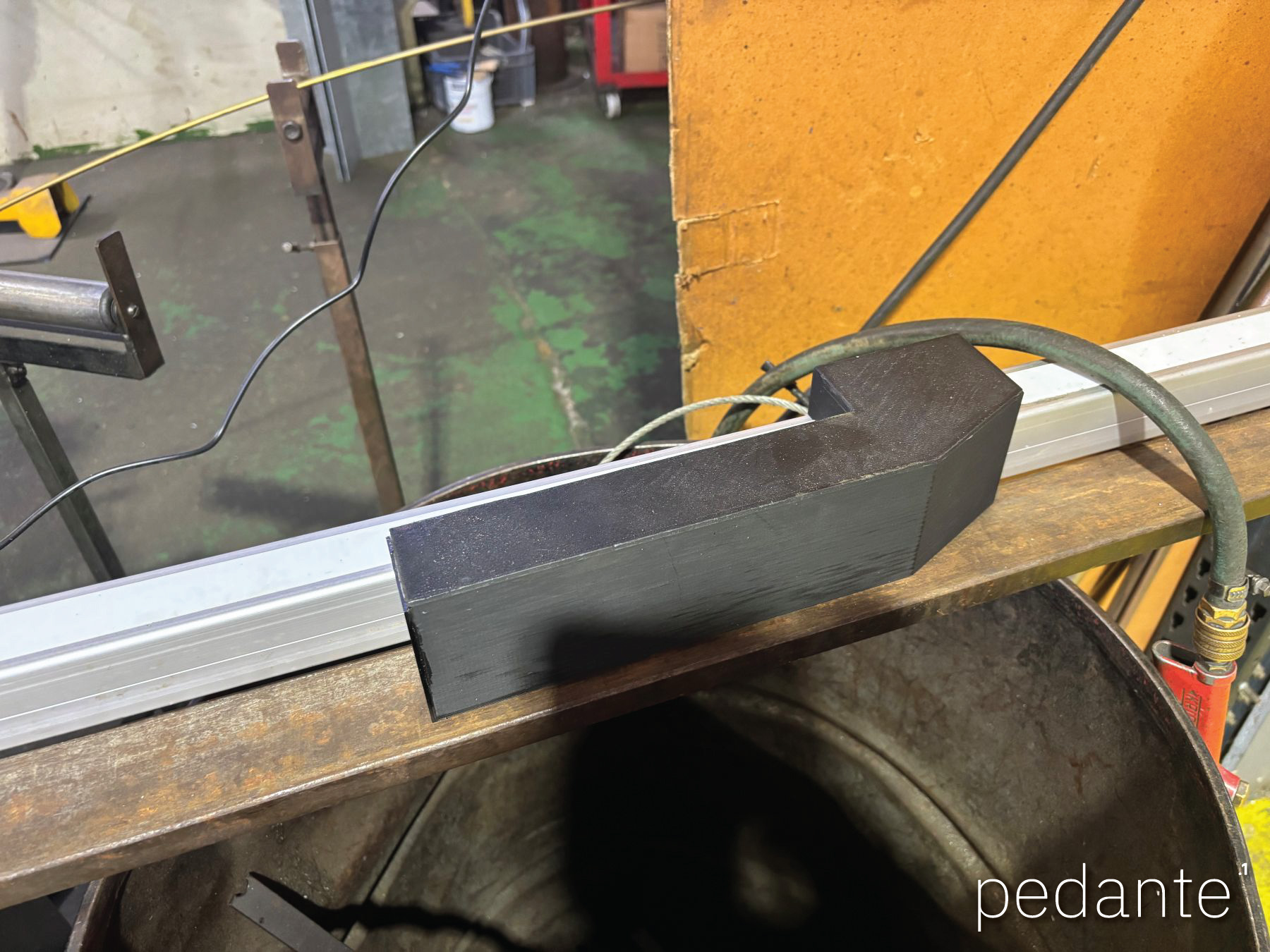
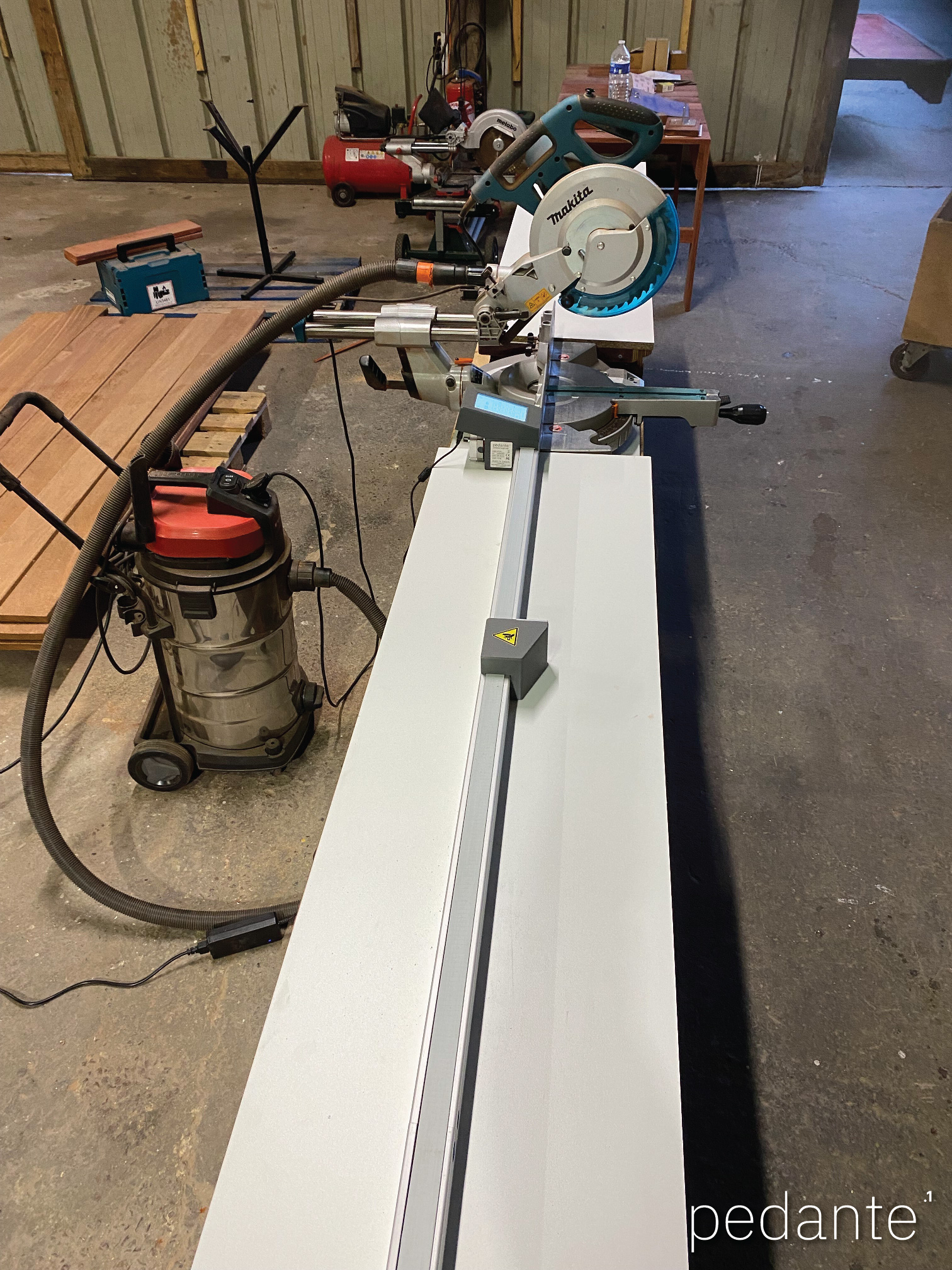
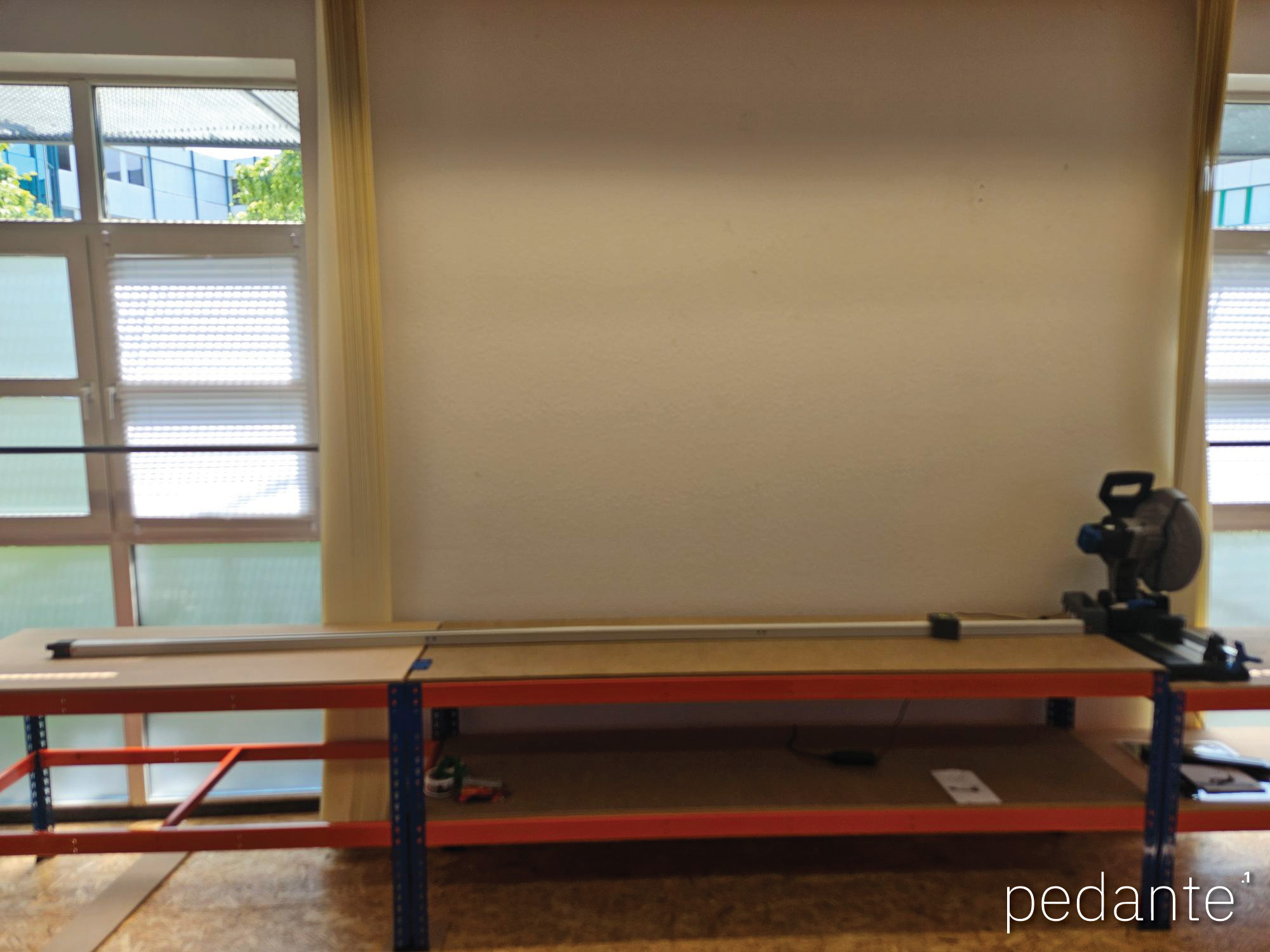
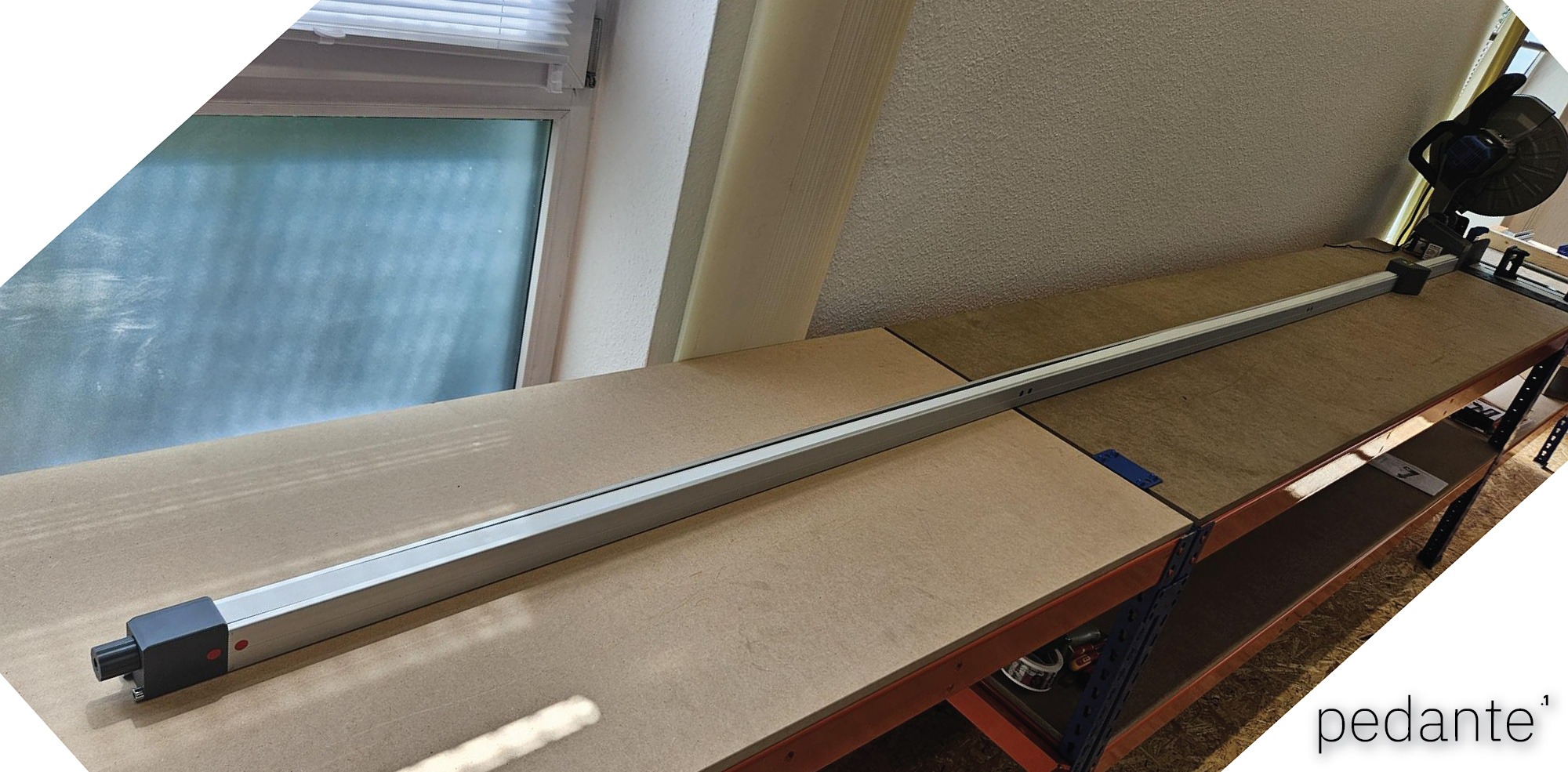
This is the physical length of the complete system, including the profile, motor/control unit, and belt tensioner.
Working range
This is the effective range the stop block can travel and what you actually use for cutting.
Example
If you choose the LS-24-U model with a working range of 2220 mm and your installation distance is 450 mm, your usable cutting range will be from 450 mm to 2670 mm.
Common cuts
Choose a model so that most of your daily cuts fall well inside the working range.
For occasional longer cuts, the stop block can be temporarily removed and cuts made manually.
Short cuts
If you need to cut shorter than the dead zone allows, use a spacer.
Example: minimum length is 450 mm, required part is 250 mm. Use a 1000 mm spacer, enter 1250 mm, place the spacer against the stop, and cut.
How is the fence mounted?
The fence mounts using hammerhead bolts that slide into the groove on the bottom of the profile. You drill matching holes in your saw station or roller stand, position the fence, and tighten the bolts.
The Universal Series can be mounted on the left or right side.
To change sides later, you reverse the control unit (motor side) and perform a reset. On the next startup, the system automatically performs self-identification and configures itself for the new orientation.
How does daily operation work?
At the start of work, turn the system on and press the Home button on the touchscreen. The system performs homing using a hard stop detected by the encoder to establish a reference position.
After homing, enter the required length on the touchscreen and press Enter. The stop block moves automatically to the target position and holds it in place for cutting.
If you want to switch units between millimetres and decimal inches, press and hold the mm/in indicator on the display to change units.
No special training or learning is required — operation is as simple as using a calculator: enter a value and press Enter.
How is calibration done?
Two types of calibration are available through the touchscreen.
1. Reference calibration (zero setting)
This calibration sets the reference point between the stop block and the cutting tool (saw blade, drill, cutter, etc.).
It is normally done:
after initial installation,
after mechanical changes,
after changing the saw blade or reference position,
or whenever measurements no longer match actual cuts.
In practice, you measure a known distance or cut a piece, enter the value on the display, and confirm calibration. This process may be repeated whenever needed.
2. Timing belt calibration
This is an advanced calibration used to compensate for small belt pitch tolerances over long travel distances.
This calibration is normally performed at the factory and usually needs to be done only once. It is only required if long-distance positioning shows consistent deviation.
Incorrect belt calibration may reduce accuracy, so this adjustment is typically used only when necessary.
Accuracy
Input resolution is 0.1 mm (or 0.001 inch in inch mode). Practical positioning accuracy is ±0.2 mm.
Accuracy does not accumulate over repeated moves.
Small deviations can occur due to temperature changes or mechanical settling, which is normal for belt-driven systems and can be corrected with calibration if needed.
Limitations
The system is not designed for pushing material or acting as a mechanical end stop for forceful feeding.
It does not support angled measuring or compound cut geometry.
There are no cutting lists, Bluetooth, Wi-Fi, apps, or cloud features. The system is intentionally kept simple and local.
What happens if I hit the stop block with material?
Occasionally hitting the stop block with material happens in normal workshop work, especially when handling long or heavy pieces. Unlike manual stops that can shift and cause wrong cuts, the system automatically keeps its position.
The fence uses a Smart Position Guard system. The motor always holds the stop block in position, but during normal operation the holding power is reduced to save energy and keep the motor cooler.
The control electronics monitor the stop position hundreds of times per second. If the block is pushed out of position by more than about 0.1 mm, the system instantly increases motor holding power and returns the stop block to its exact position.
This correction usually happens so quickly that the movement is not even visible.
However, the stop block is a precision positioning device, not a mechanical impact stop, so material should not be forcefully pushed against it.
Is the digital miter saw fence safe to use?
The system operates on 24 V DC. Movement is smooth, there is no sudden acceleration, and an emergency stop is available on the touchscreen while the motor is moving.
Where is it made?
The system is designed and built in Latvia.
Warranty and Support
Warranty is two years for private use and one year for business use.
Spare parts are always available.
Technical support is provided directly by the manufacturer. You can contact us at any time for setup, calibration, or troubleshooting.
Delivery and Payment
Order preparation
Each unit is prepared and tested within 2–3 business days after payment.
Delivery time (after dispatch)
EU: 4–7 business days
UK, Norway, Switzerland: 5–8 business days
USA & Canada: 8–12 business days
Payment
Payment is accepted via bank (wire) transfer.
How to Order
Website order
Order via the website order page.
With a valid EU VAT number or shipping outside the EU, prices are shown without VAT.
Otherwise, VAT is added automatically.
After placing the order, you receive an order confirmation email with payment details.
After payment, the unit is prepared and tested. Once dispatched, you receive a tracking number and invoice by email.
E-mail order
You can also order by e-mail. Please send:
selected model(s),
company or personal details,
shipping address,
contact details,
EU VAT number (if applicable).
A proforma invoice will be prepared and sent. If you need a formal quotation, use our Request Quote page.
Custom lengths
Custom lengths are possible. Contact us to discuss requirements.
Can I contact you in my language?
Yes. You can contact us using the contact form on the contact page or by email in your preferred language.
German, French, Italian, Spanish, and other languages are welcome.
While the main website content is in English, we are happy to answer questions, help with ordering, and provide support in your language whenever possible.
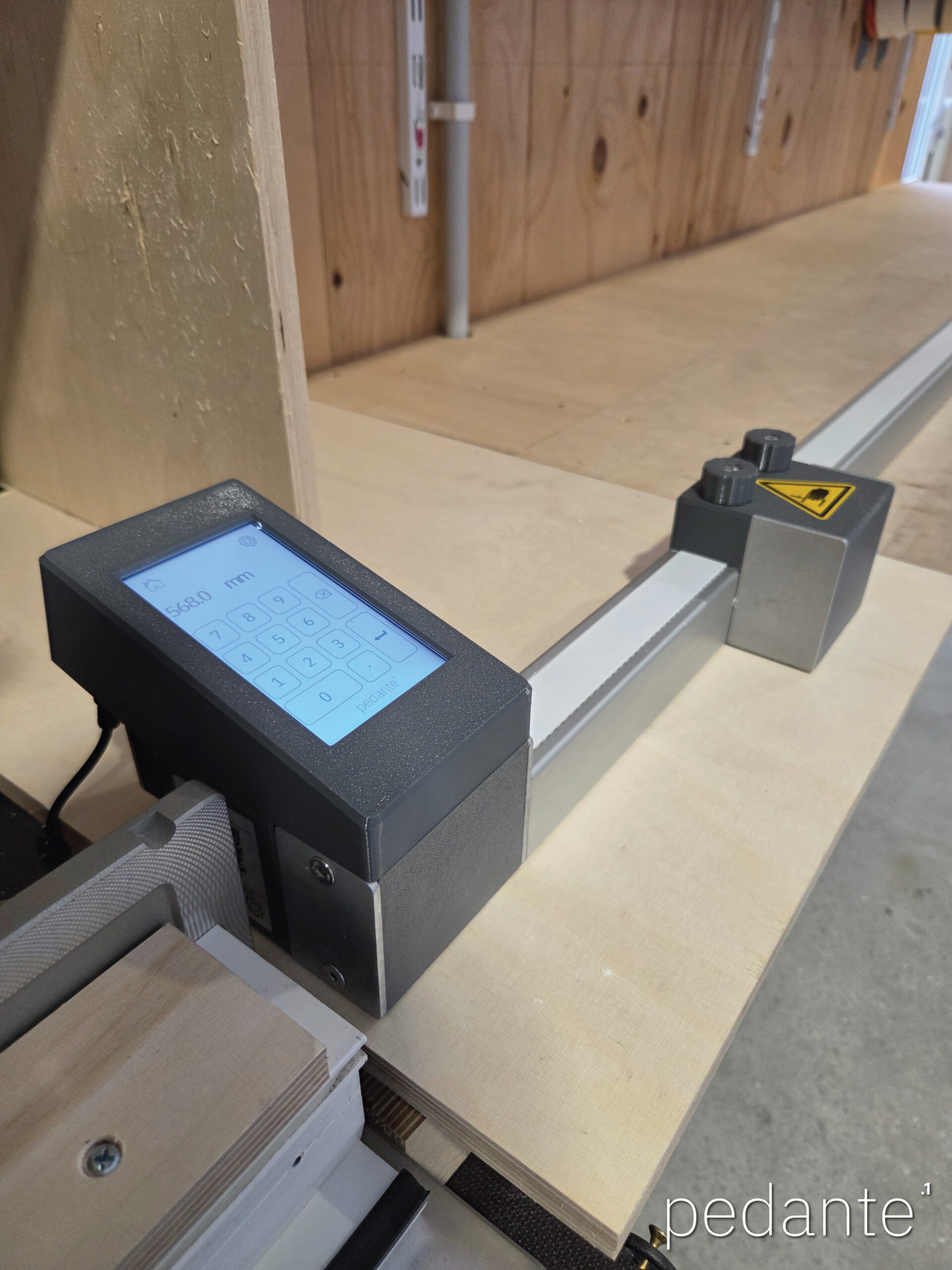
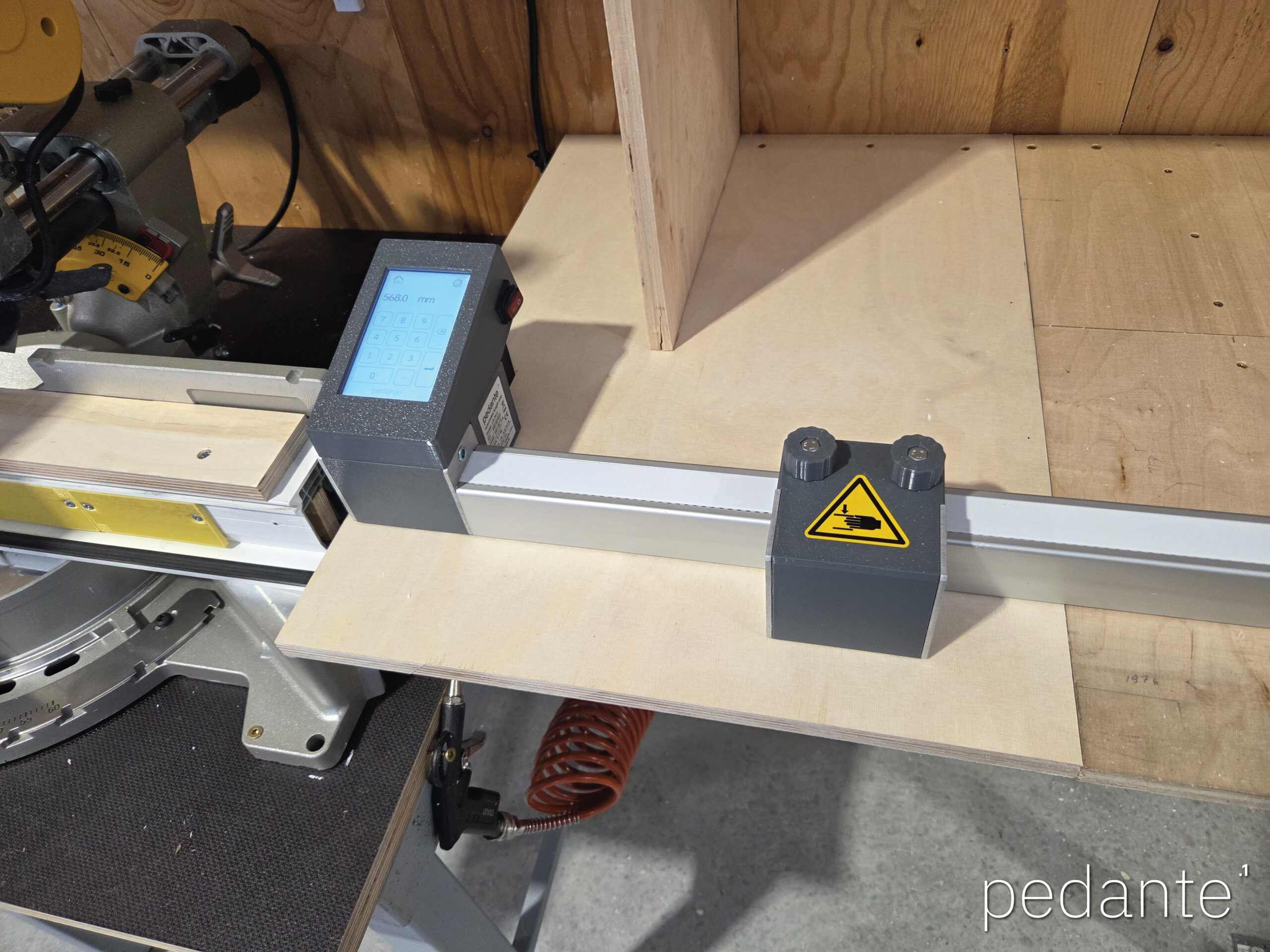
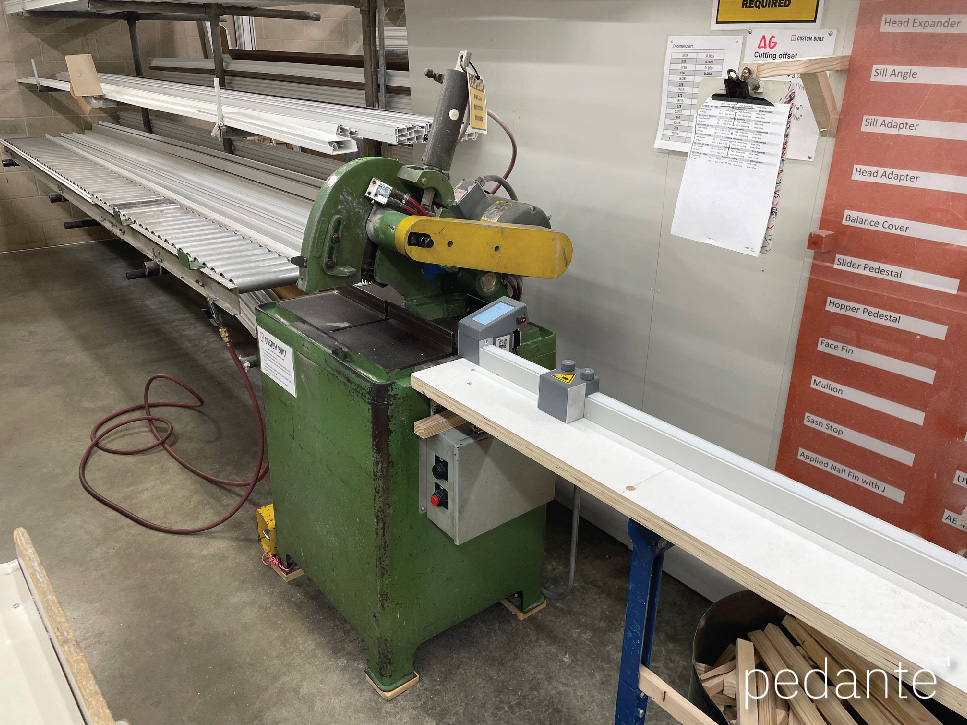
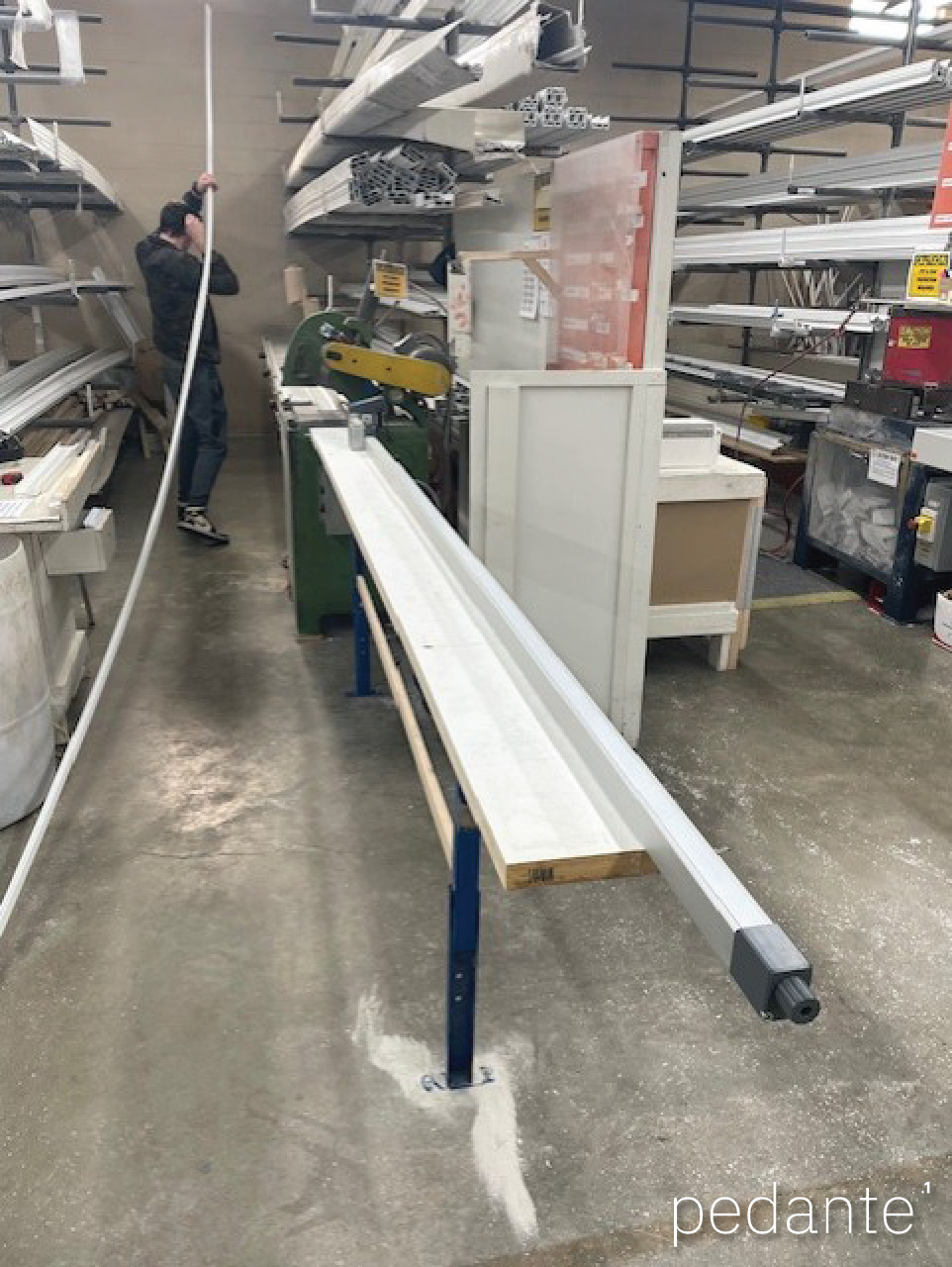
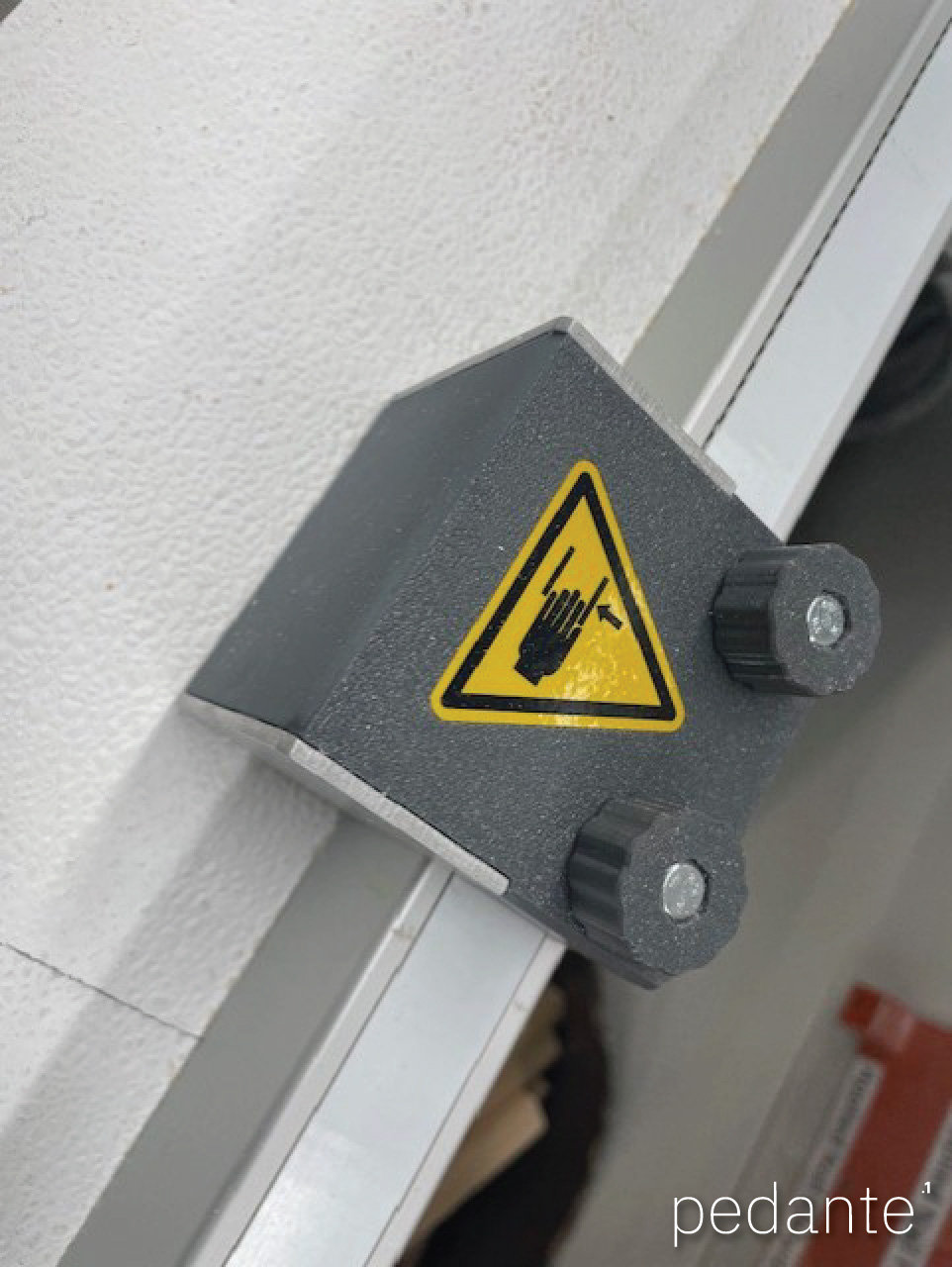
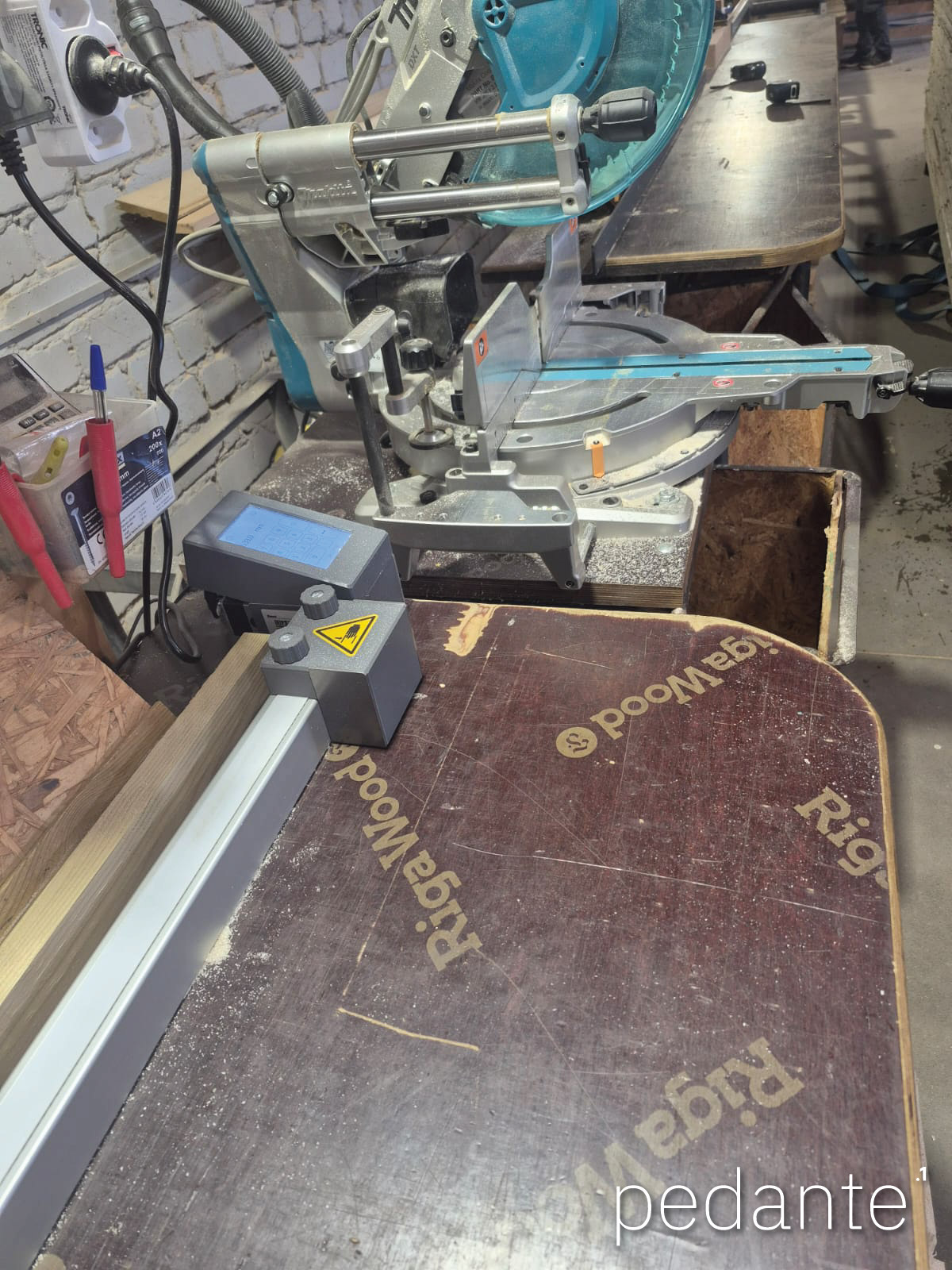
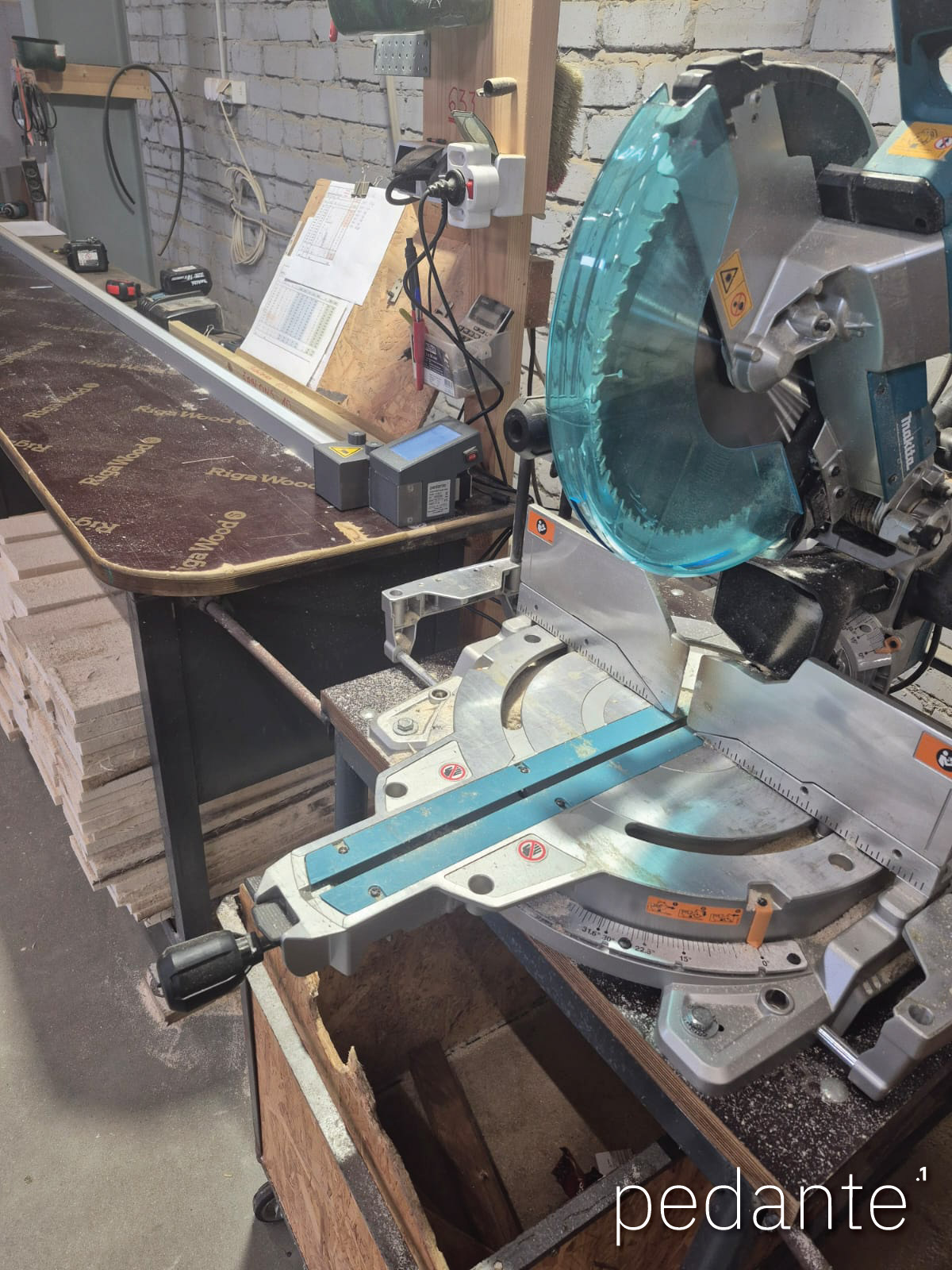
Pedante in Workshops
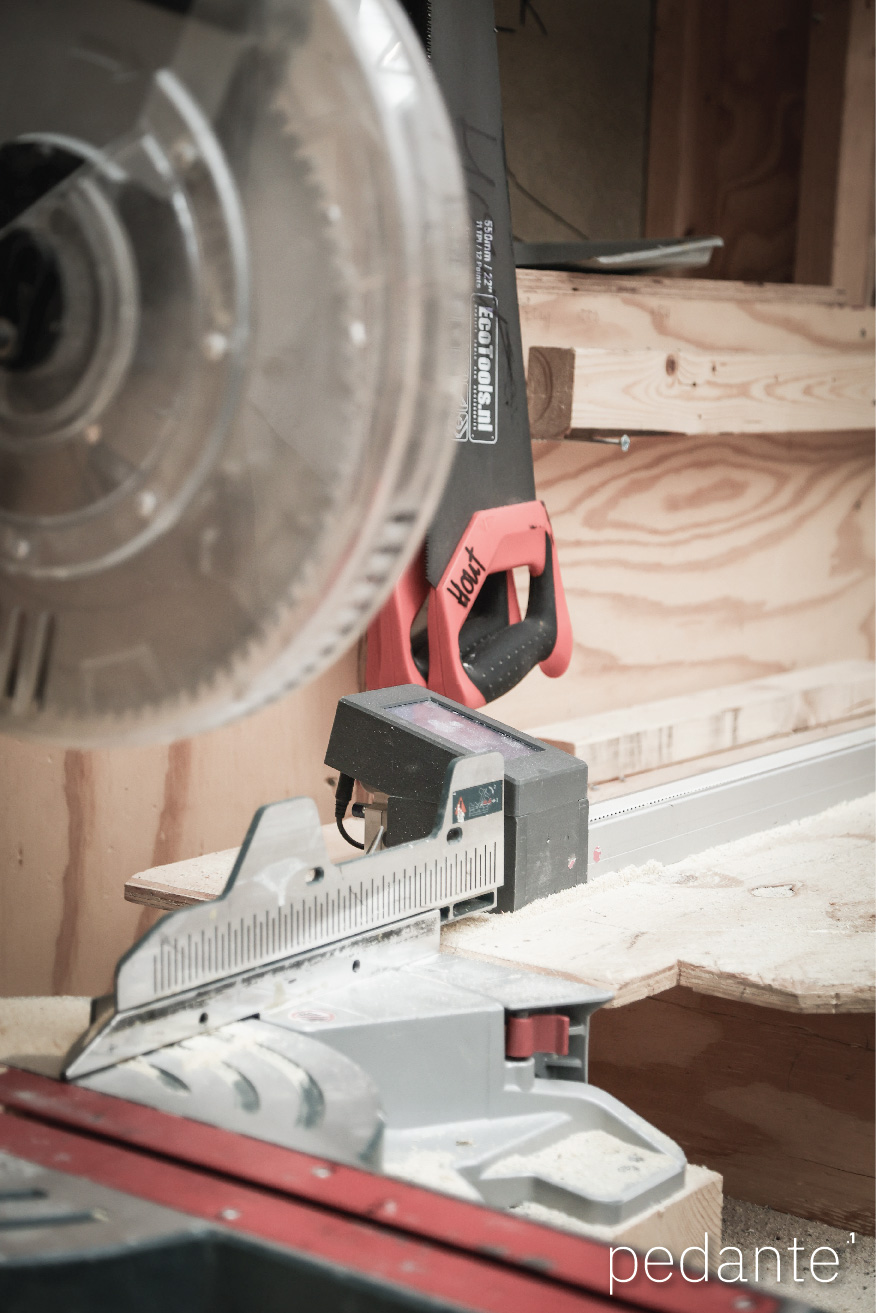
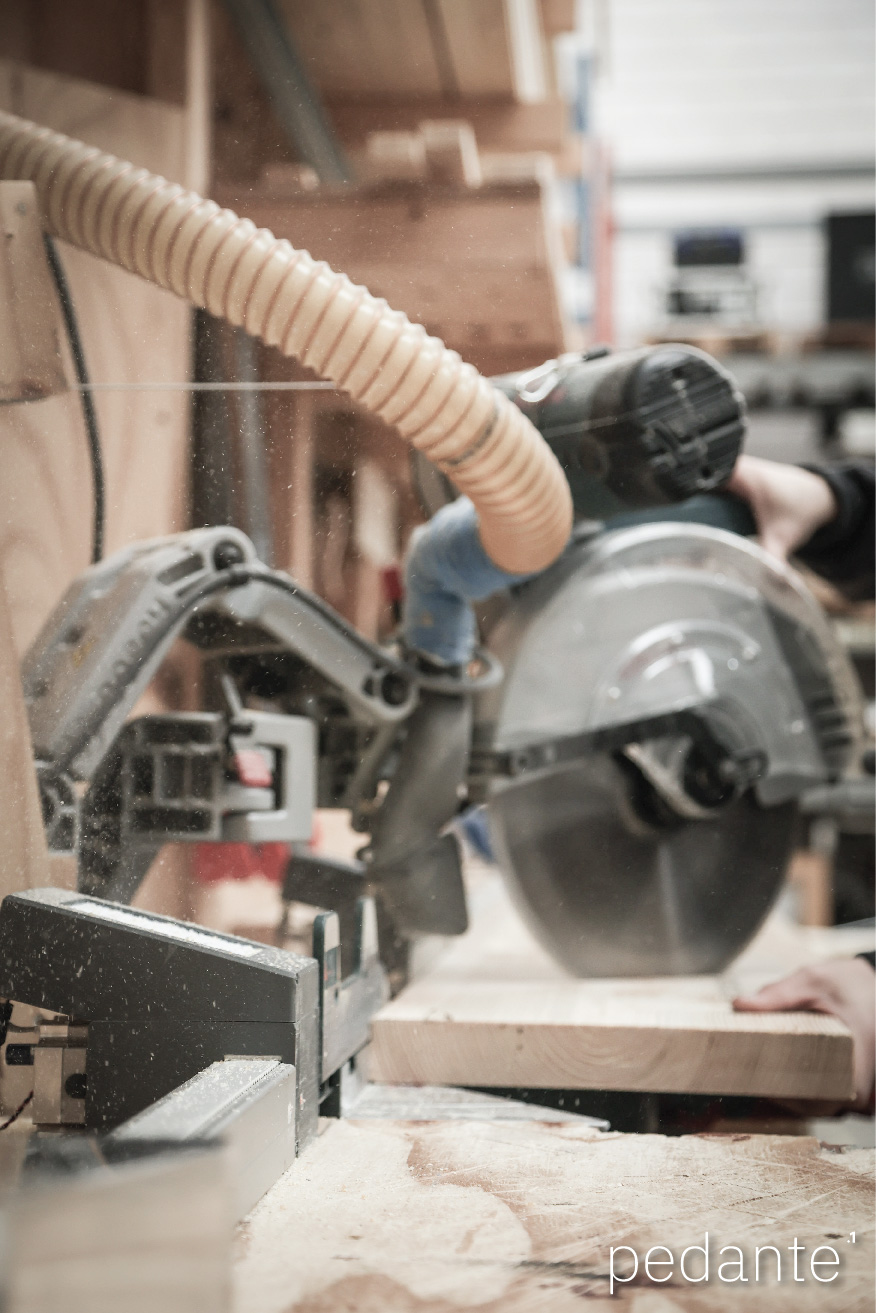
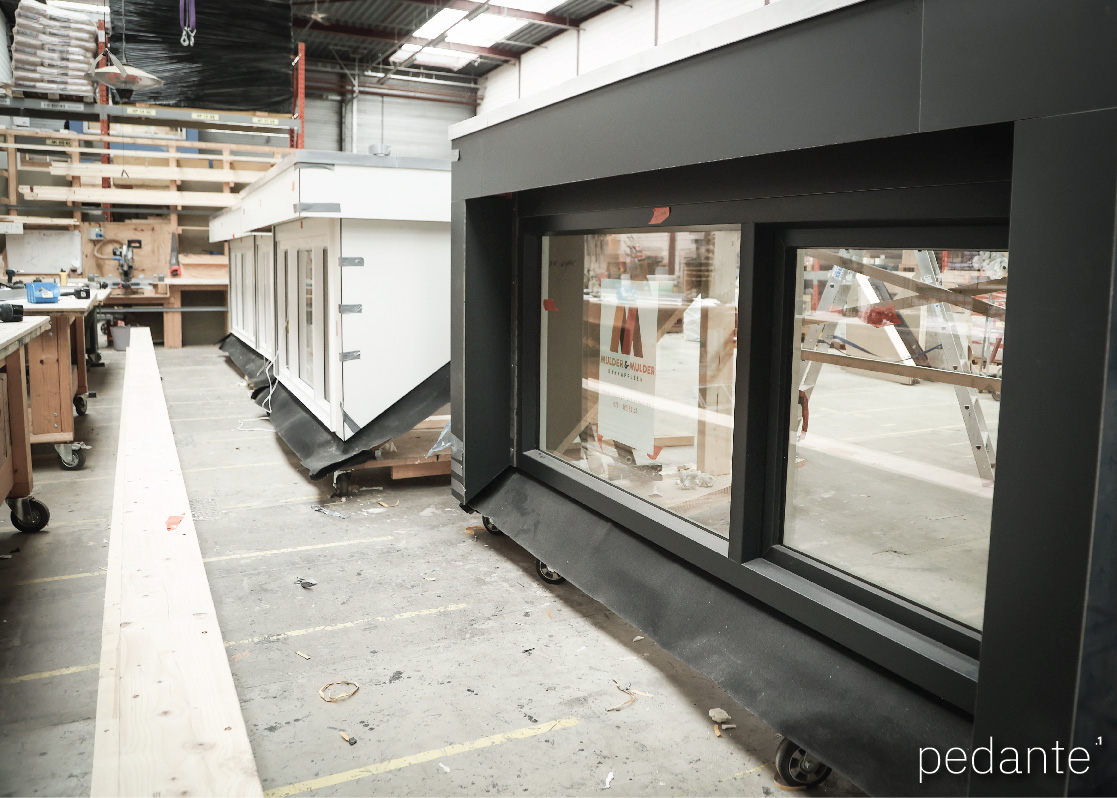
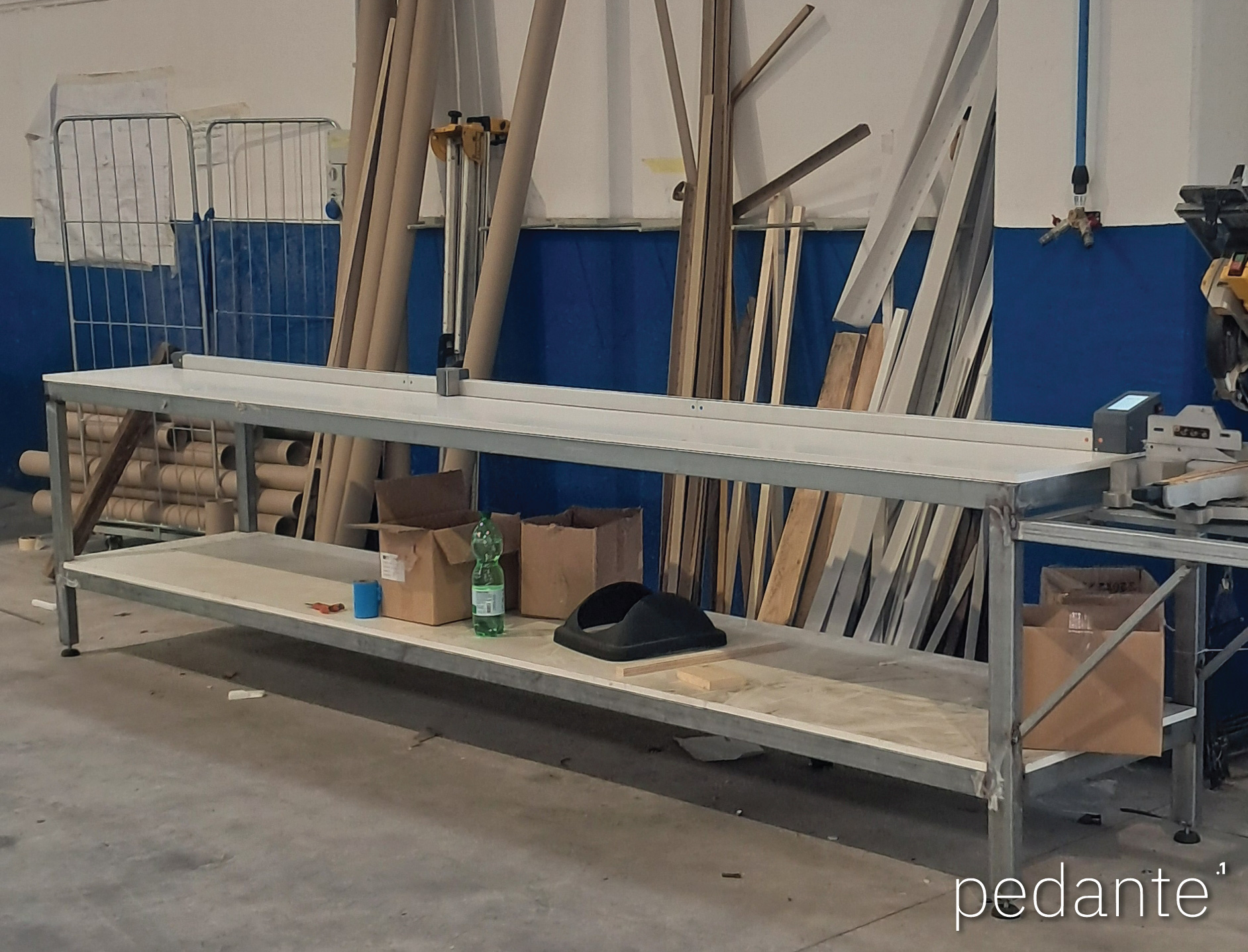
Customer Reviews & Workshop Tests
Feedback from customers and practical workshop reviews.
Customer Reviews
Niklas Wagner
“I bought a length stop for my saw from Pedante and had been looking for a solution like this for a long time.
Even before the purchase, I received excellent advice, and every question was answered promptly and competently. Delivery was also very fast.
Assembly was simple and straightforward. The product works perfectly, and the value for money has been outstanding so far.
I am very satisfied with the length stop and can highly recommend Pedante.
Thank you very much – I would gladly buy from them again!”
Rolf Gasser
“We are small 3 generation family owned vinyl window manufacturer in Rhode Island USA and we have multiple saws to cut our daily production volume. Our old manual fences are outdated.
We found pedante and their product is just what we were looking for, flexible in mater of left and right fence, custom length, durable and accurate.
On top of all that their digital display is in fraction and in 3 decimals - AND affordable!
I can highly recommend pedante's product, and Agnis is fantastic to work with! Keep it up guys, we will order more fences!”
Dmitrijs Litvinovs
“Very pleased. The speed and accuracy are simply superb!”
 Google Reviews
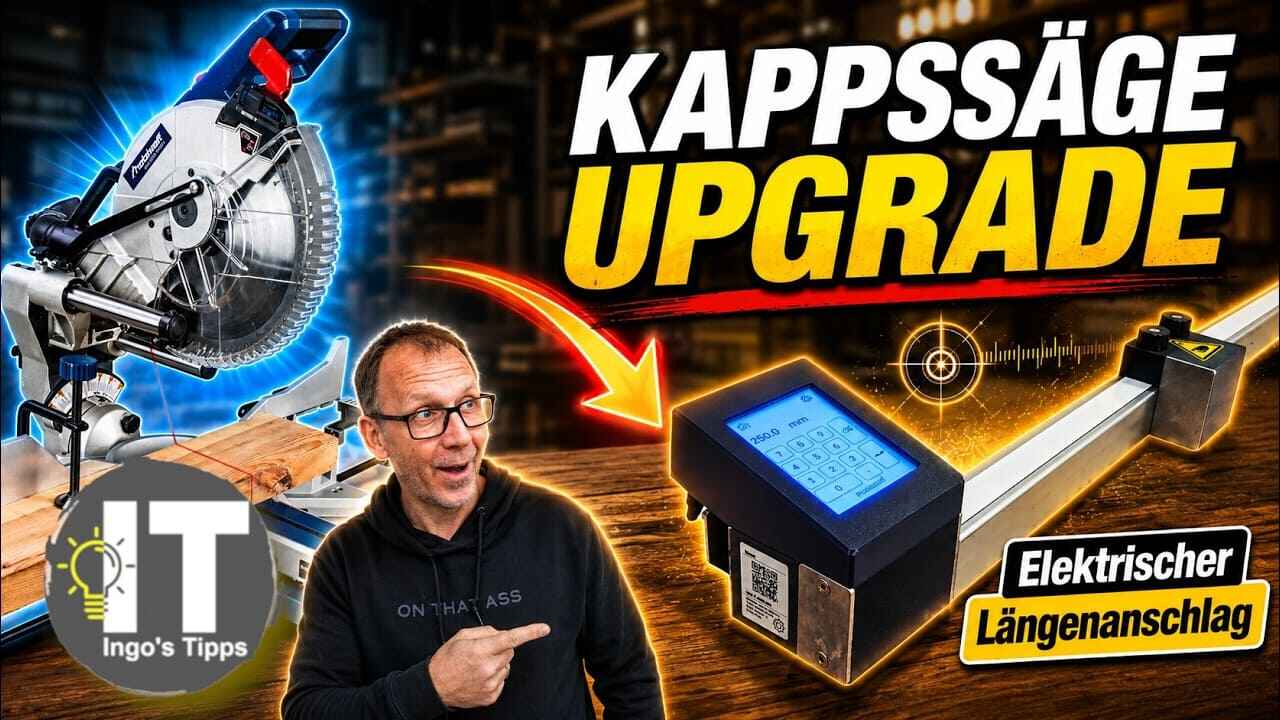
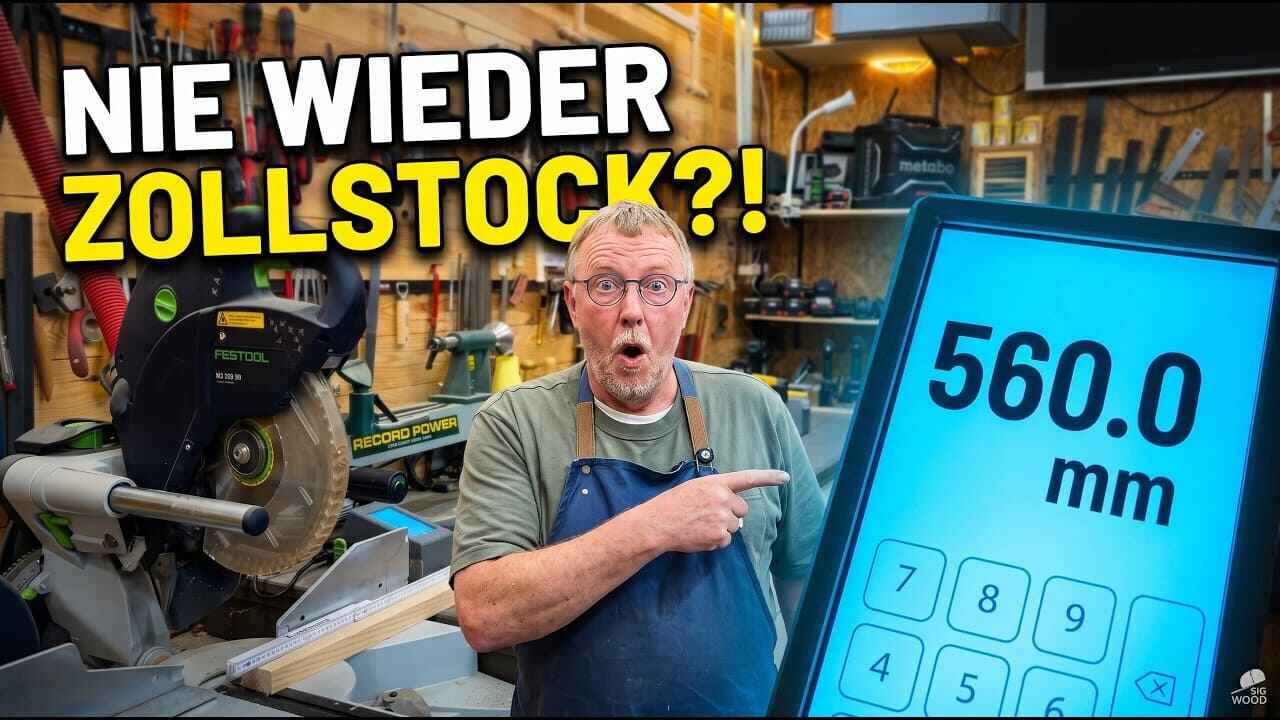
How to Mount the Pedante Digital Miter Saw Fence on a Miter Saw Stand
Want more accurate cuts when working on-site? Learn how to mount the Pedante digital miter saw fence on a portable stand, align the rail, and calibrate the system for precise cutting outside the workshop.